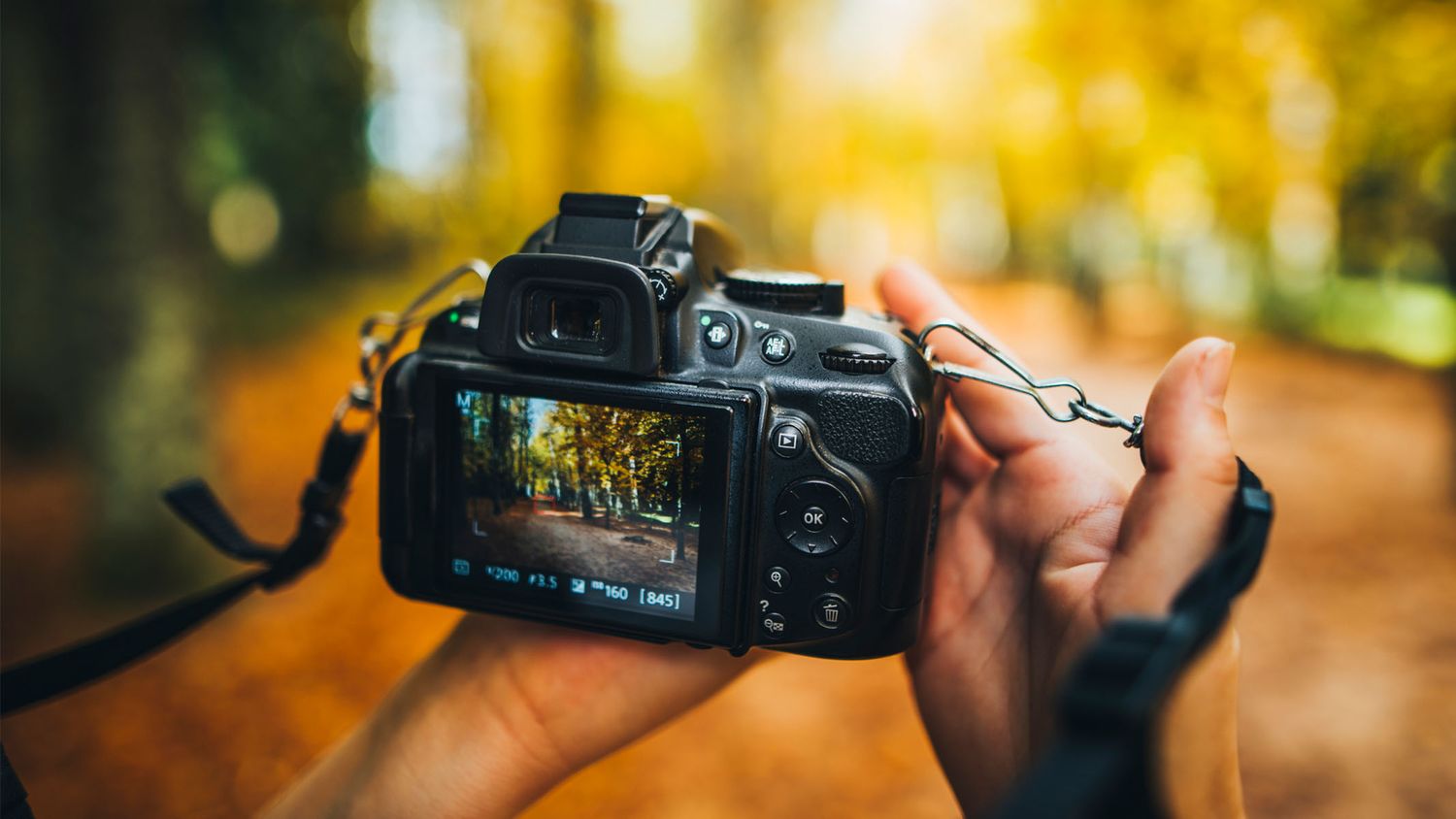
As photographers, it’s tempting to say, “I’ll fix it in post.” But the more time we spend correcting mistakes in editing, the less time we have to shoot, create, and enjoy the craft. That’s why nailing your settings in-camera is a game-changer.
Getting it right in-camera means knowing your ISO, aperture, and shutter speed inside and out. You’re not just snapping a photo—you’re crafting the final look before it even hits your computer. Less editing means better workflow, better quality, and more time doing what you love: creating.
Master the Exposure Triangle
The key to perfecting your shot lies in the exposure triangle:
- ISO – Controls the camera’s sensitivity to light. Lower ISO = cleaner image. Use ISO 100–400 in daylight, and only raise it when absolutely necessary.
- Aperture – Affects your depth of field and light intake. Want buttery bokeh? Go for f/1.8. Want everything sharp? Use f/8 or f/11.
- Shutter Speed – Freezes motion or adds blur. Go fast (1/1000s) for action. Go slow (1/30s or less) for dreamy light trails.
Master these, and you won’t need to rescue your photos later.
Match Your Settings to Your Lens
Different lenses need different approaches:
- Prime Lenses: Stick to low ISO and wide apertures (f/1.4–f/2.8) for crisp portraits.
- Zoom Lenses: Use f/5.6–f/8 for group shots or scenes with layered depth.
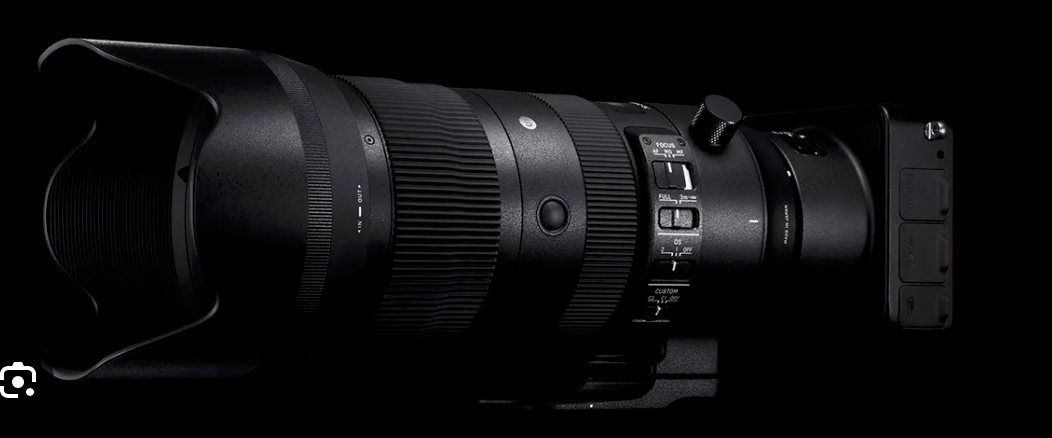
- Telephoto Lenses: Bump up shutter speed (1/1000s or faster) to reduce motion blur.
- Wide-Angle Lenses: Go narrow (f/8–f/16) to keep everything in focus—especially in landscapes.
- Macro Lenses: Keep ISO low, shoot with small apertures (f/8–f/16), and always use a tripod.
Real-World Tips to Get It Right the First Time
Use Manual Mode: Auto is fine until it isn’t. Take full control of your image.
Shoot RAW: Always. You’ll get more data to work with—even if your shot’s already great.
Use the Histogram: Don’t trust your LCD. The histogram shows you if you’re blowing out highlights or crushing shadows.
Leverage Natural Light: Position your subject relative to the sun for less reliance on artificial correction.
Stabilize When Needed: Tripods aren’t just for long exposures. They help with consistency, sharpness, and framing.
Why This Matters
You’re not just saving time you’re leveling up. Editing should enhance, not repair. When your images are already strong out of camera, post-production becomes a creative choice, not a crutch.
If you’re ready to stop fixing and start creating, learn your gear, master your settings, and shoot with intention. The results? Cleaner images, a faster workflow, and a more confident you.